

Cubieboard2 A20 Dual Core ARM MiniPC Cortex-A7 1GB DDR3 with linux/android/More powerful pcduino/Raspberry pi/Smartfly team
Couldn't load pickup availability
You may also like
Note:
this link is an 8GB eMMC version, it is more stable than the Nand Flash version.

Cubieboard2 support both android 4.2 Jelly Bean, Ubuntu 12.04 and other Linux distributions. Android Jelly Bean improves on speed simplicity and brings a lot of new features.

|
CPU |
ARM® Cortex™-A7 Dual-Core(allwinner A20) |
|
GPU |
ARM® Mali400MP2, Complies with OpenGL ES 2.0/1.1 |
|
Memory |
1GB DDR3 @960M |
|
Storage |
4GB internal TSD flash, up to 64GB on uSD slot, up to 2T on 2.5 SATA disk |
|
Power |
5VDC input 2A or USB otg input |
|
Networking |
10/100 ethernet, optional wifi |
|
USB |
Two USB 2.0 HOST, one USB 2.0 OTG |
|
Other |
One IR |
|
Extended Interfaces |
96 extend pin interface, including I2C, SPI, RGB/LVDS, CSI/TS, FM-IN, ADC, CVBS, VGA, SPDIF-OUT, R-TP, and more |



96 external pin definitions


More detail ,see the hardware user guide in our web site.

 Preinstall android 4.2.2 Support lubunut 12.04 destkop, ubuntu13.03 server
(..your can get it in our web site.)
Support Fedora 18 Support Kali Linux Support Debian Linux...
Downloads (SDK Source, Tools, Firmware, Documentation) :
( Mega)https://mega.nz/#F!ZtwxCCJC!AIYHcTqz-ucjuzKnE9qD7A
It is very insteresting to see how many linux distros already running on Cubieboard1/2/3
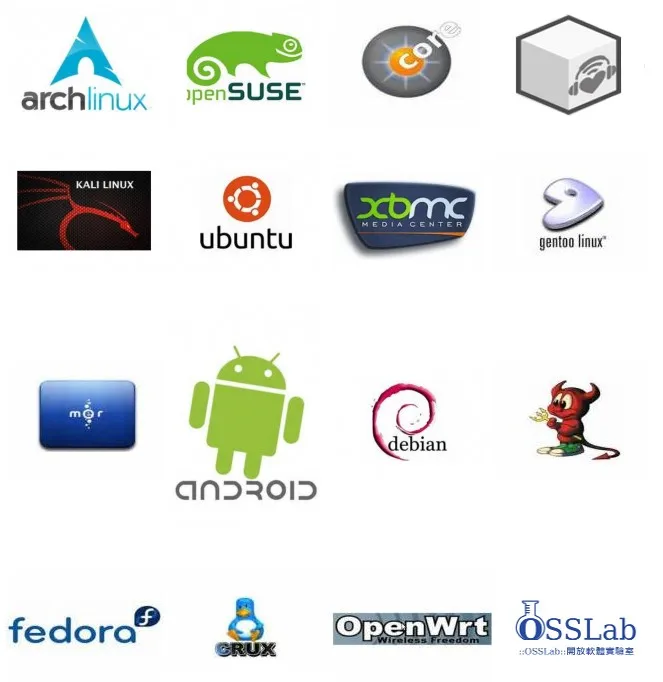
About the instructions how to run the linux distros list above, please look at the following link
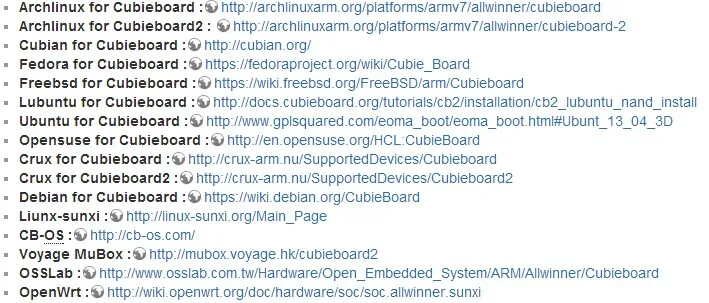
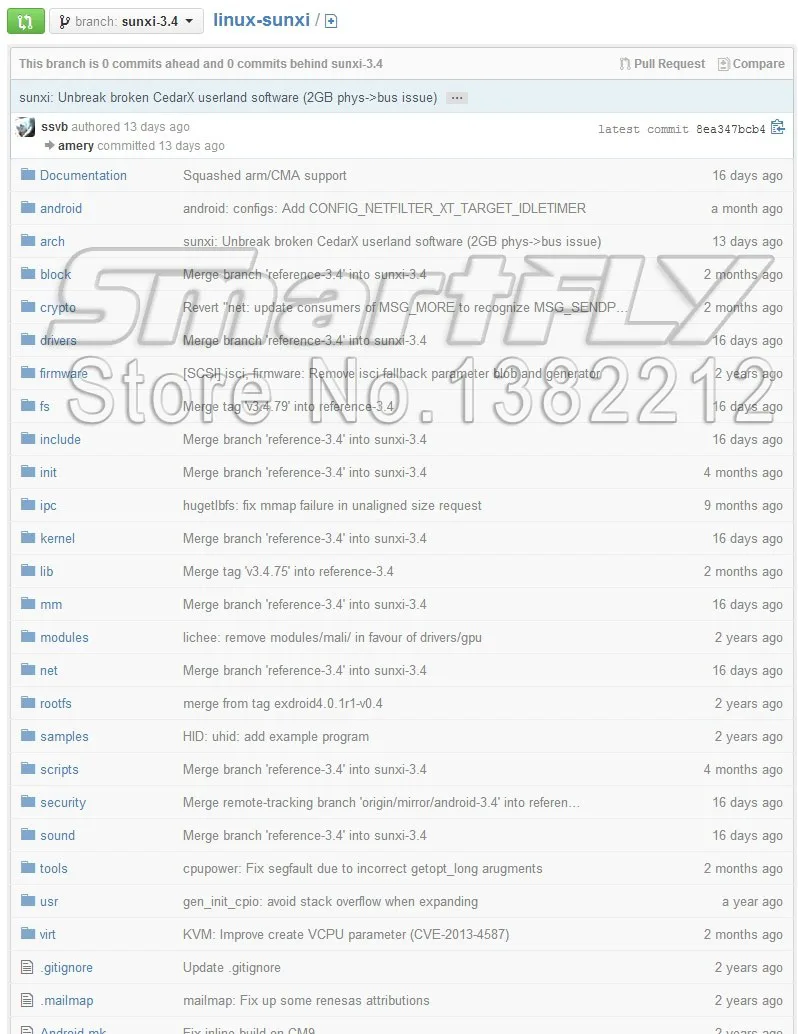
Install OS in the NAND Flash
step1:Download Image
Assuming you are going to use cb_a20_android42_v1.04_8188eu-en_US
step2:Run Livesuit
Run Livesuit, select the image we just extract
step3:Enter FEL Mode
Press the FEL key when power up(the FEL key is the one under the USB OTG port), The CPU automatically enters FEL mode. Livesuit will start to write the image to Nand on board
make SD card system(for example)
step1:Download the tool
Window-Win32DiskImagerweb:sourceforge.net/projects/win32diskimager/
Linux - dd
step2:Download the image
Lubuntu - ubuntu with lxde desktop
step3:Insert the uSD card to card reader and
connect to PC
step4:Run Image Writer
step5:Choose the image and disk and click Write
step6:Done
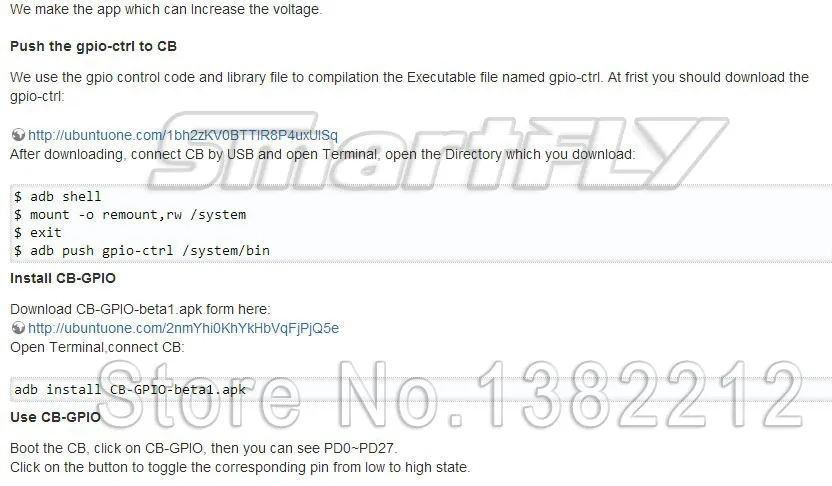
How to contrl GPIO(in android OS)
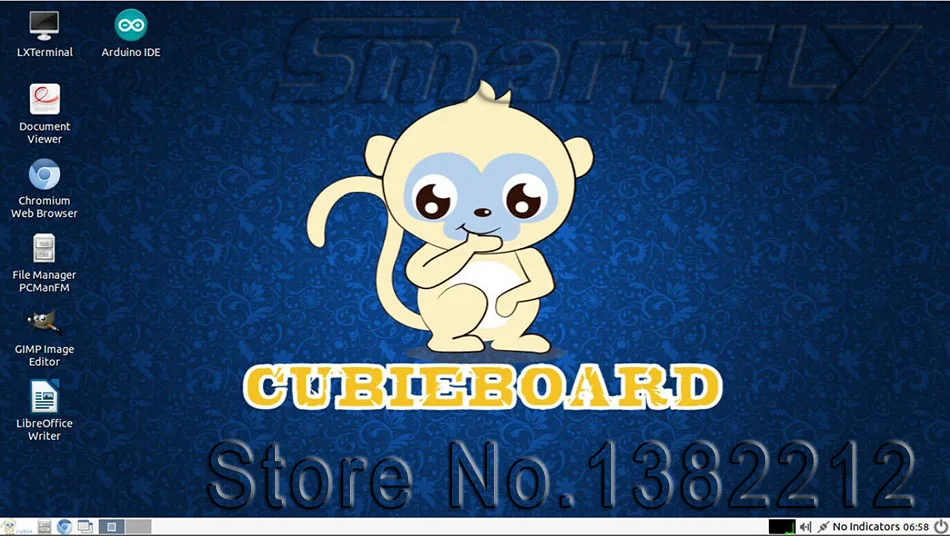
cubieboard running lubuntu



Cubieboard2 Main board x 1
DC to USB cable x 1
SATA cable(data + power) x 1
CPU Fin x1

Please check this link https://youyeetoo.com/pages/shipping-delivery